
Chess study, with your own books.
Open the book.
Play the position.
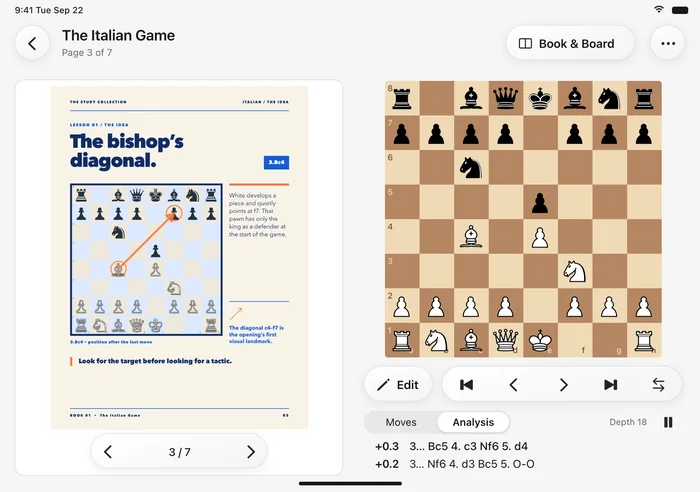
Your chess PDF. A live board beside it.
Set up the position, explore the variations, think it through.

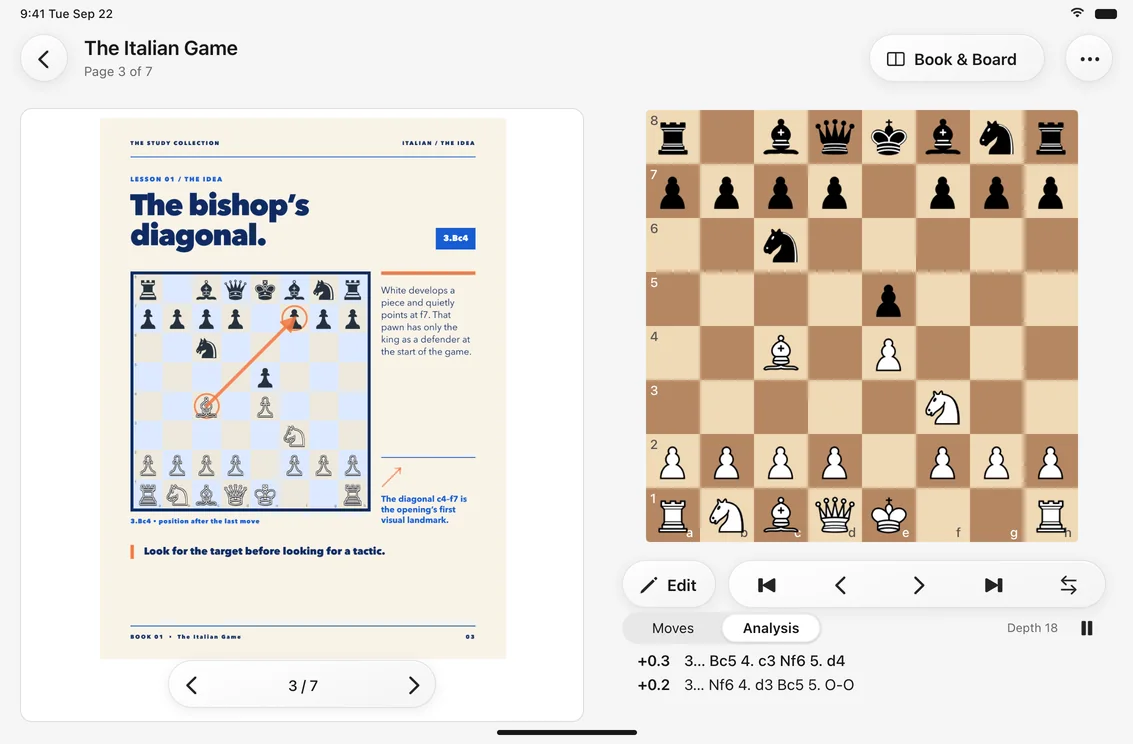
Follow the author.
Then follow your curiosity.
A familiar way to study, with room to try the other move.
Bring your own book.
Import a chess PDF from Files. Open the chapter you want to work through.
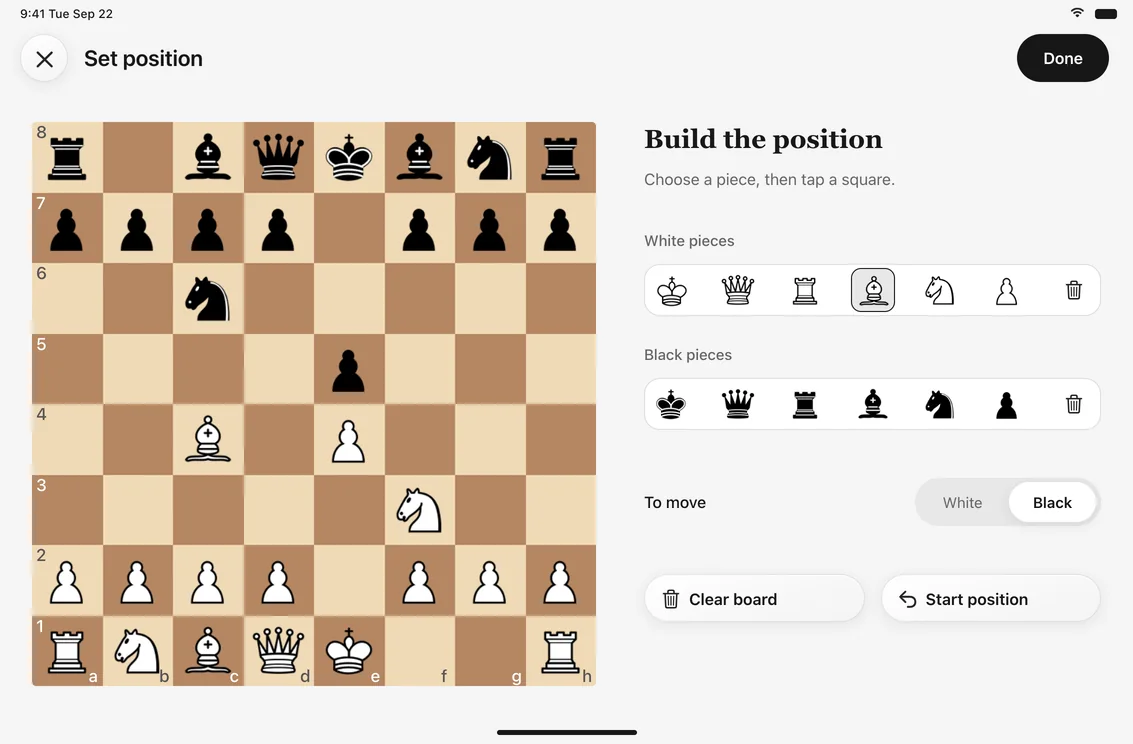
Set up the position.
Place the pieces to match the diagram. Choose the side to move.
Explore the possibilities.
Play a line, step back, try another. Check your ideas with local Stockfish analysis.
Stockfish.
Right here.
A second opinion.
Whenever you want one.
Compare continuations and check an evaluation with Stockfish running on your device. No connection needed for analysis.
Export the variations you explore as PGN.
Room to study.
At every size.
iPad is the natural home. The layout follows the space available.
iPad
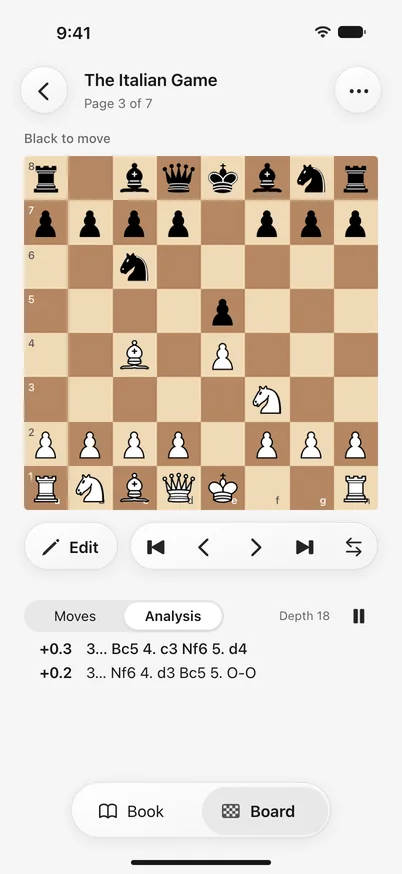
iPhone
iPhone Duo
PRIVATE BY DESIGN
Your books stay yours.
Your PDFs and analysis stay on your device.
No account to create. No subscription to manage.
Just your book, your board, and time to think.
For players who
read the next line.
And question it.
For the chapter you want to understand,
one position at a time.
Working through a classic
Keep the author’s explanation beside the position you are trying to understand.
Preparing a repertoire
Play through an opening chapter and investigate the alternatives that matter to you.
Studying with a coach
Bring a PDF worksheet, set up its positions, and work through the ideas together.

A good book.
A board beside it.
Time well spent.
No subscription.
Get Book2Board